
A Second Look at the Zeros
Teachers can now review a batch of zero scores for a small fix in one click, and builds and drawings waiting on a person read Needs grading instead of 0/0.
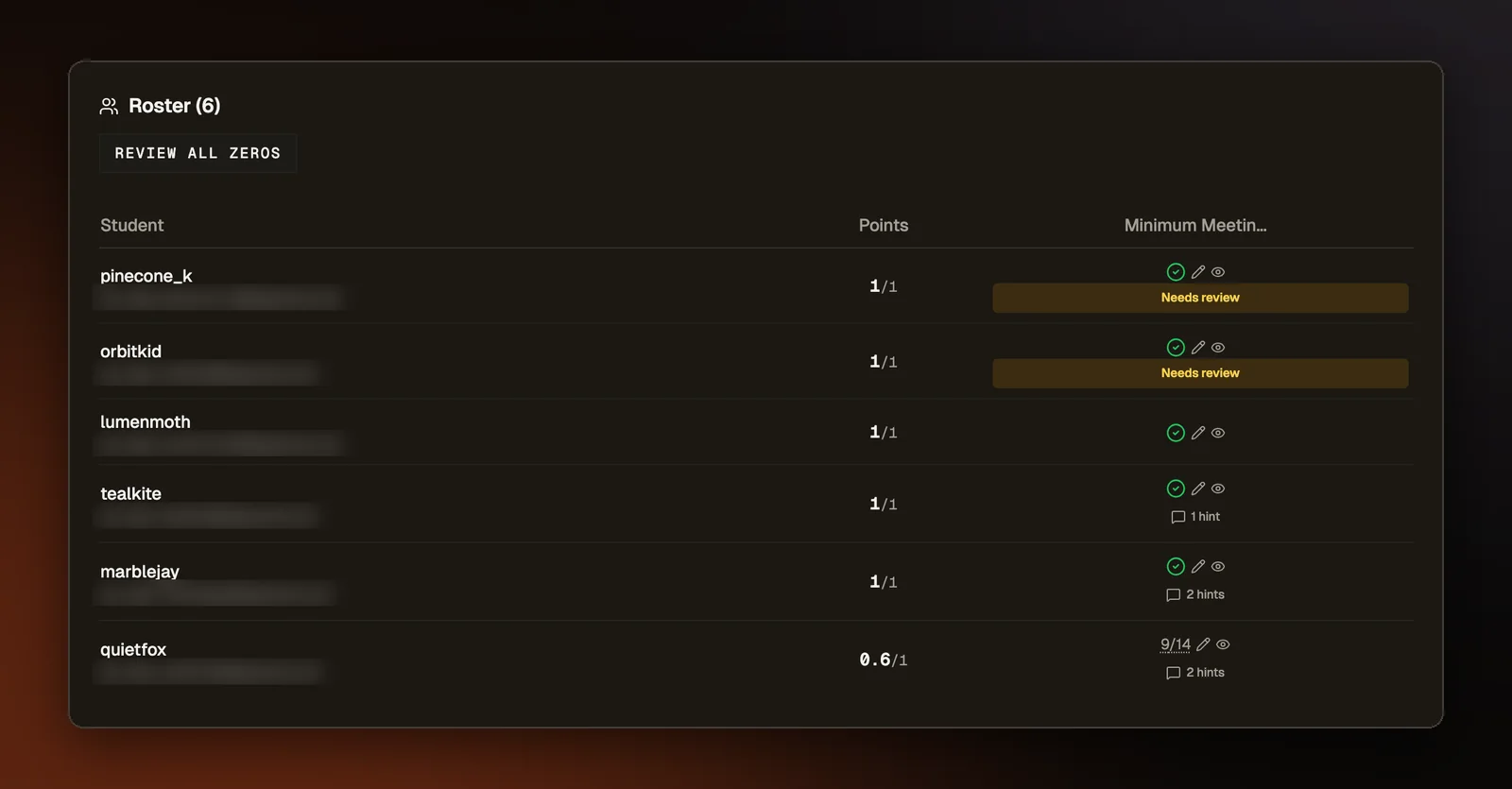
A zero on a coding problem can hide a student whose code was one flipped comparison away from working. The platform already had a check for that case, the near-miss review, but it covered one cell per click. A teacher had to click each zero on the roster and read the result before moving to the next. On a long roster, few teachers get through every zero, so the students closest to a working answer could easily go without a second look.
One button for the zeros
The roster now has a "Review all zeros" button. One click runs the near-miss review on a batch of them at once, covering code problems where a student's submission passed none of the tests. The review makes small edits to the student's own code, one at a time, and runs each version against the assignment's tests. The edits are the usual slips, such as a flipped comparison, a swapped logical operator, or a number that is off by one. When those edits fall short, a model can propose a fix of a few lines. That fix counts only if it passes more of the same tests than the student's code did. If it does no better than the best small edit, the small edit is kept, since a teacher can repeat it by hand.
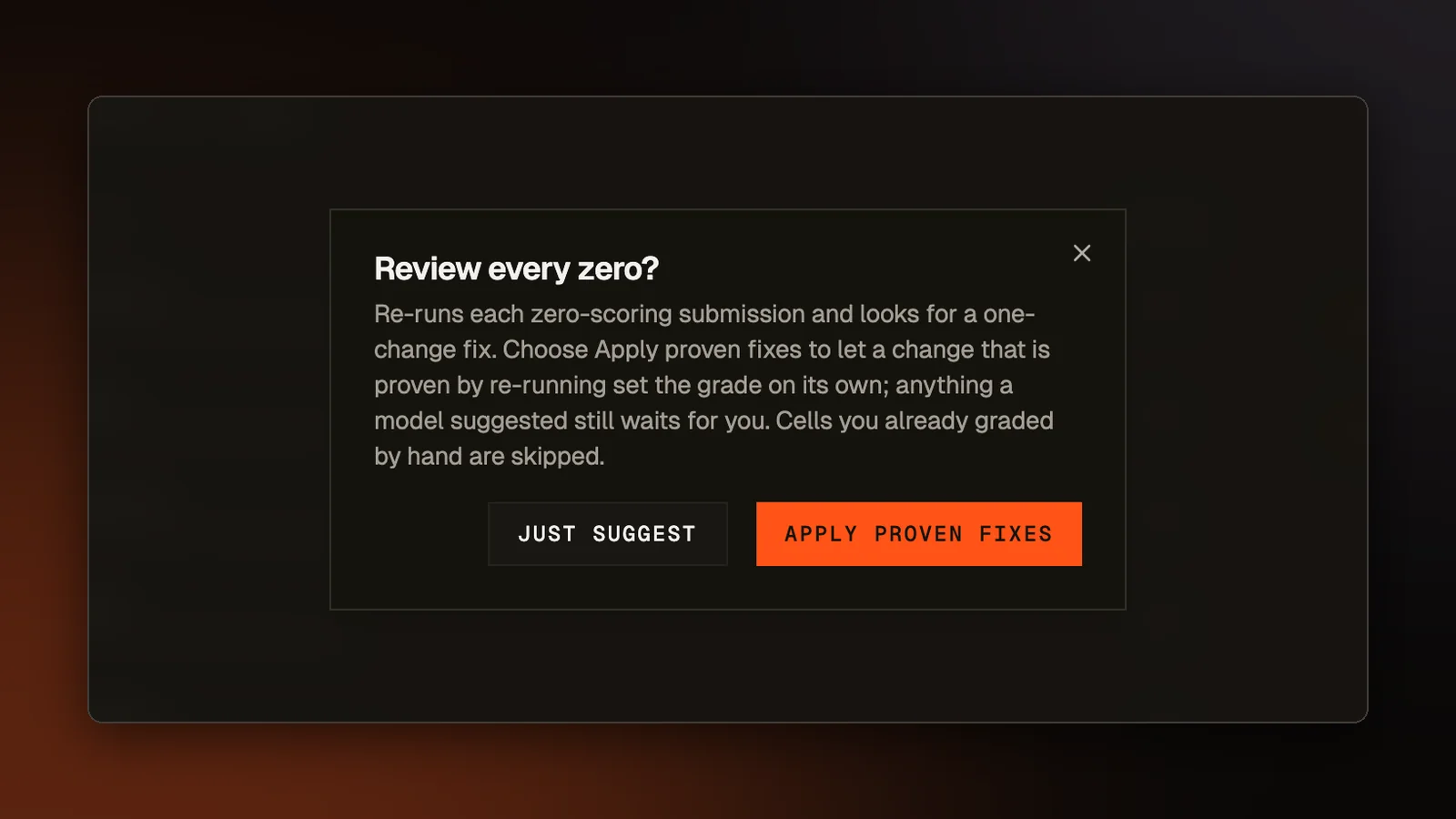
Before a run starts, the teacher picks one of two options. "Apply proven fixes" lets a run change a grade on its own, but only when the improvement came from one of those small edits, with no model involved. The grade it sets is partial credit and never full marks, since the student did not make that edit themselves. "Just suggest" runs the same review and changes no grades. Each run covers a limited batch, so the result line says how many zeros were reviewed, how many fixes were applied, and how many are left for the next run.
In both modes, a fix that a model proposed waits for the teacher to apply it from that student's review, even after the tests confirm it. Cells the teacher already graded by hand are skipped, so a run never overwrites a decision a person made. The button does not appear on an assignment created with AI grading off, because the review can send a student's code to a model.
Work that needs a person
Builds and drawings have no tests to re-run, so the review leaves them out. A build or drawing that no grader has scored used to show 0/0 on the roster, which looks like a failing score. It now reads "Needs grading" until the teacher sets points with the pencil. Each submitted build or drawing also gets an eye icon beside its cell. It opens the student's saved files for a build, or the image they handed in for a drawing, read only.
Assignment drawings go to the same grader that live rounds use, which Grade the Drawing While the Question Is Still Open describes. When that grader, or the one for builds, cannot score a submission, the work is still saved. The student sees a note that their teacher will grade it.
Try it on a real problem
Write code, run it against the tests, and see what passes. No account needed.