
Choose Who Can Open a Play Link
A Builder play link can now open for anyone, only you, or people you invite. Sharing and publishing run a security check for secret keys first, and links get readable names.
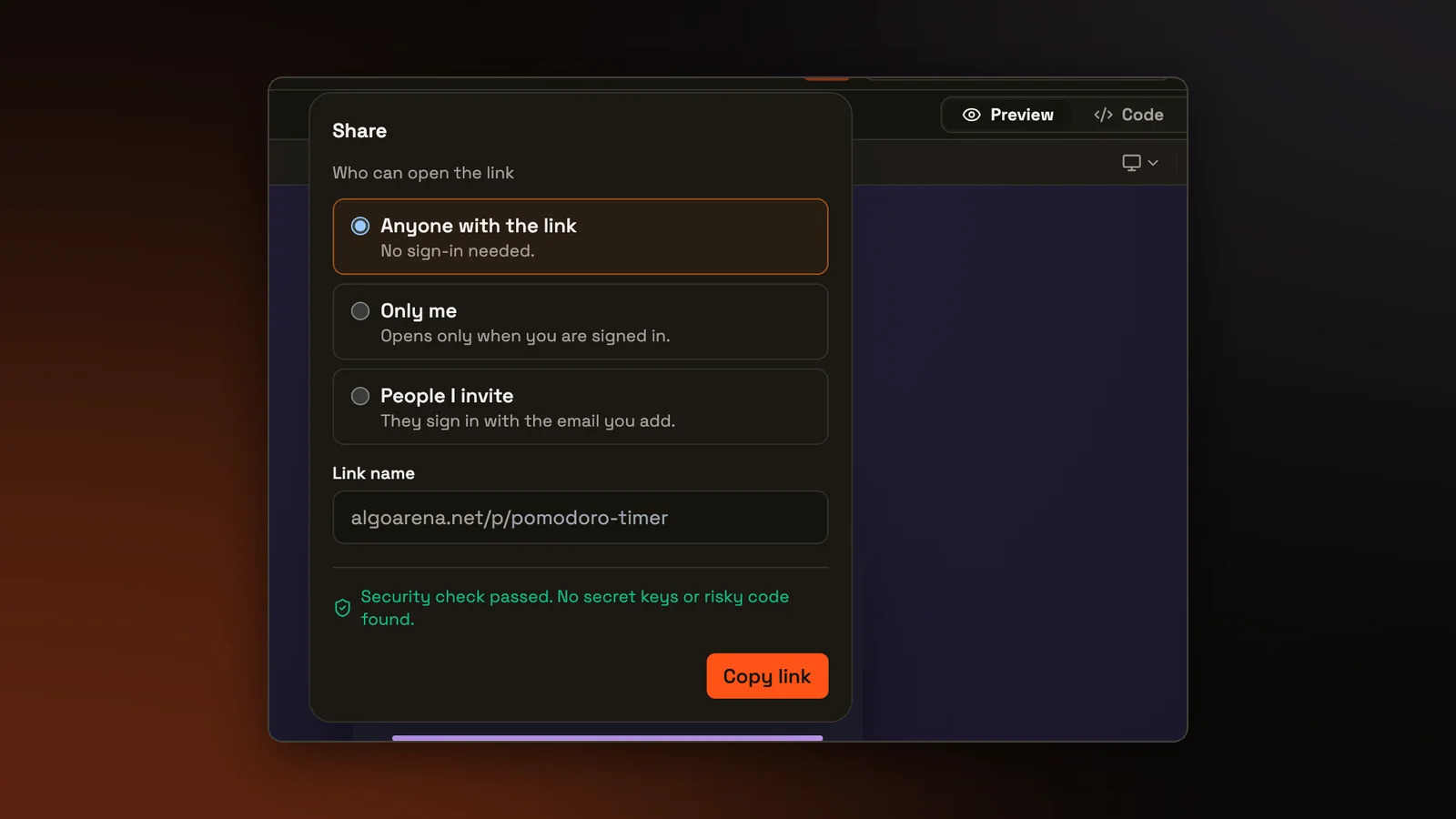
The Builder is where you make an app by describing it to an AI agent. A play link runs that app on its own page, so someone can use it without seeing its code or the chat that made it. Until now, every play link opened for anyone who had it. That suits a game you want friends to try. It does not suit an app with a classmate's name in it, or a project that is half done and meant only for your teacher. The Share panel now asks who can open the link, checks the app for secret keys before it opens for anyone else, and gives the link a name people can read.
Who can open the link
The Share panel has three choices:
- Anyone with the link, without signing in. Every link worked this way before, so links already sent keep working.
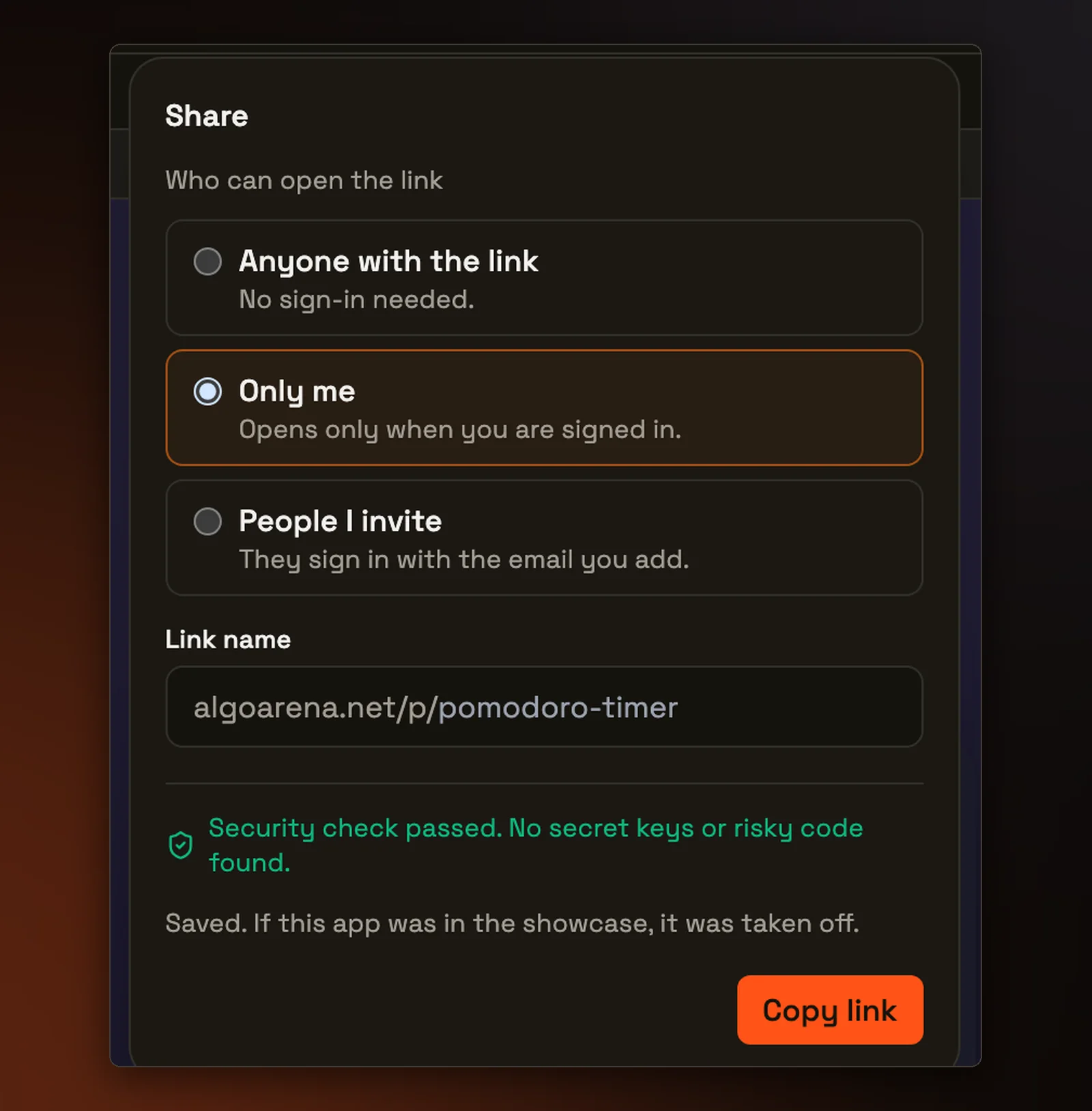
- Only me. The link opens only when you are signed in to your own account.
- People I invite. You list up to 50 email addresses, and each person signs in with the address you added.
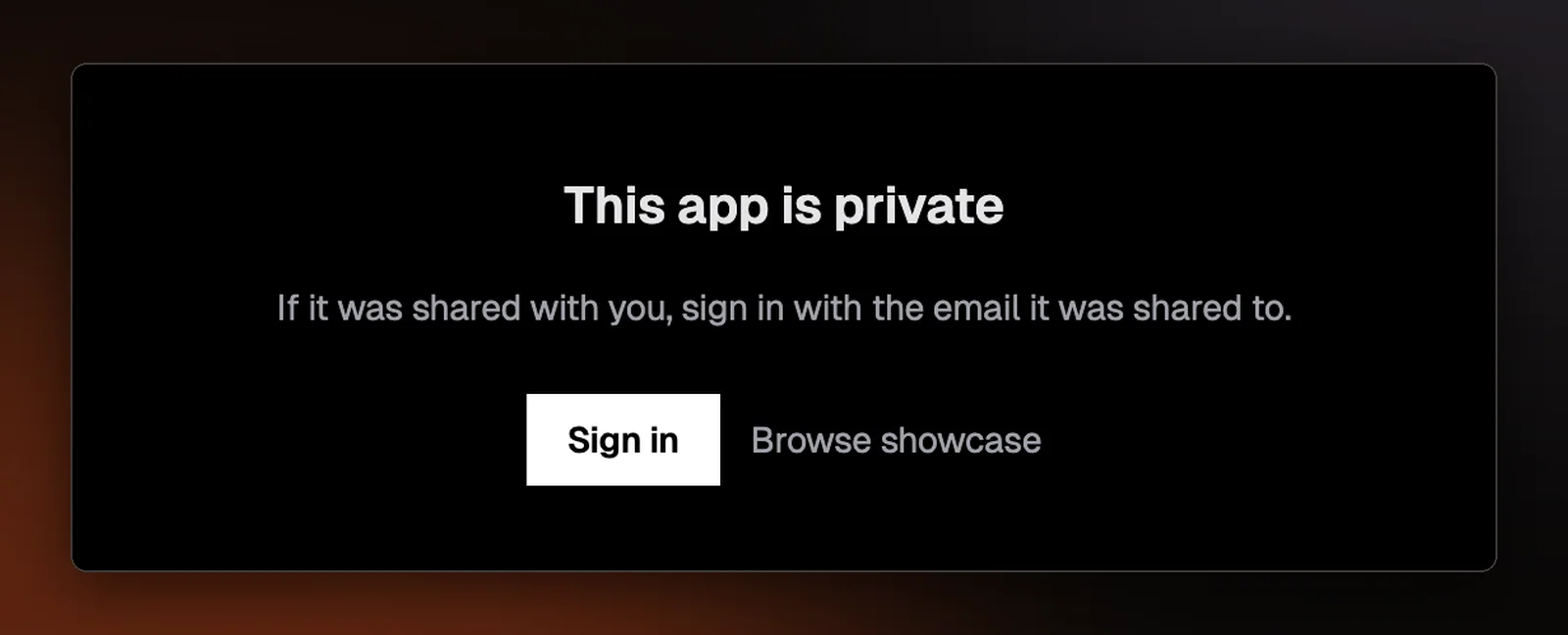
An invited person also needs a verified email address, because anyone can sign up with an address they do not own. Someone who opens a private link without access sees "This app is private", with a note to sign in with the email it was shared to.
For the two private choices, our server checks who is asking every time the link is opened, so knowing the address is not enough. Switching an app to Only me or People I invite also takes it off the showcase, our public gallery of Builder apps, since anyone can browse the showcase. Accounts for players under 13 get only the two private choices.
The build labs in Learn's vibecoding course now open this same panel from their Share button, so an app made during a lesson has the same choices.
The security check
Every file in a Builder project is sent to the browser of whoever opens it, so anyone with the link can read what those files say. Before you copy a link that opens for other people, and before you publish to the showcase, the Builder checks the project's files for five problems:
- a secret key, such as an API key or a private key
- code loaded from a website other than the usual public hosts for code libraries
- a form, request, or live connection that sends data to an outside website
- code that downloads text and then runs it as code
- text that people type going straight into the page's HTML
A secret key blocks sharing and publishing. The panel names the file and line, and says that anyone who opens the link could copy the key. The other four are warnings that you can read and still go ahead, each with a plain explanation of why it matters. For code loaded from another website, that explanation reads "That site can change this code at any time, and the code can do anything on your page."
An app set to Only me may be shared with a key still in it, since nobody else can open the link. The panel still says to remove the key before you share the app any wider.
In the Builder, the results come with a Fix with AI button. It sends the agent a message that lists each problem by file and line and tells it to take every key out of the code. The message never contains the key, and the agent is told not to write the key in its reply.
The same check runs on our server whenever the sharing setting changes or an app is published, so a project cannot get past it by skipping the Share panel.
Names people can read
A play link used to end in the project's ID, a long string of letters and numbers. It now ends in a name made from the project name the first time you share it, like algoarena.net/p/planet-flashcards. If that name is taken, a short suffix is added. You can change the name in the Share panel.
The panel refuses the names of pages on this site, and any name that reads like one of our official pages because it contains a word such as admin, login, password, or support, plurals included. A link that looks like an AlgoArena page for signing in, but runs someone else's app, could trick a visitor into typing a password.
Older addresses keep working. The ID link still opens the project, and every name the project used before keeps pointing at it, so a link you already sent never opens somebody else's app. Whichever address someone uses, the project's own setting decides who can open it. An app that is on the showcase has a showcase address of its own. Its play link forwards there, and that address is what the Share panel copies.