
The Educator Copilot Can Set Up a Class
The Educator Copilot can now create a class and give an assignment to one of your classes. A round of classroom fixes also stops actions that happen at the same moment from erasing each other.
The Educator Copilot is the AI chat on the classroom side of AlgoArena. It drafts assignments and live quiz games, and each one waits on a card until the teacher approves it. Until the end of September, it could make both of those but not the class they belong to, and it could not see the classes a teacher already had, so an assignment it made was never attached to a class. Its welcome screen also read like a hiring tool, with suggestions about what you want to assess and a take home test.
A class, then its work
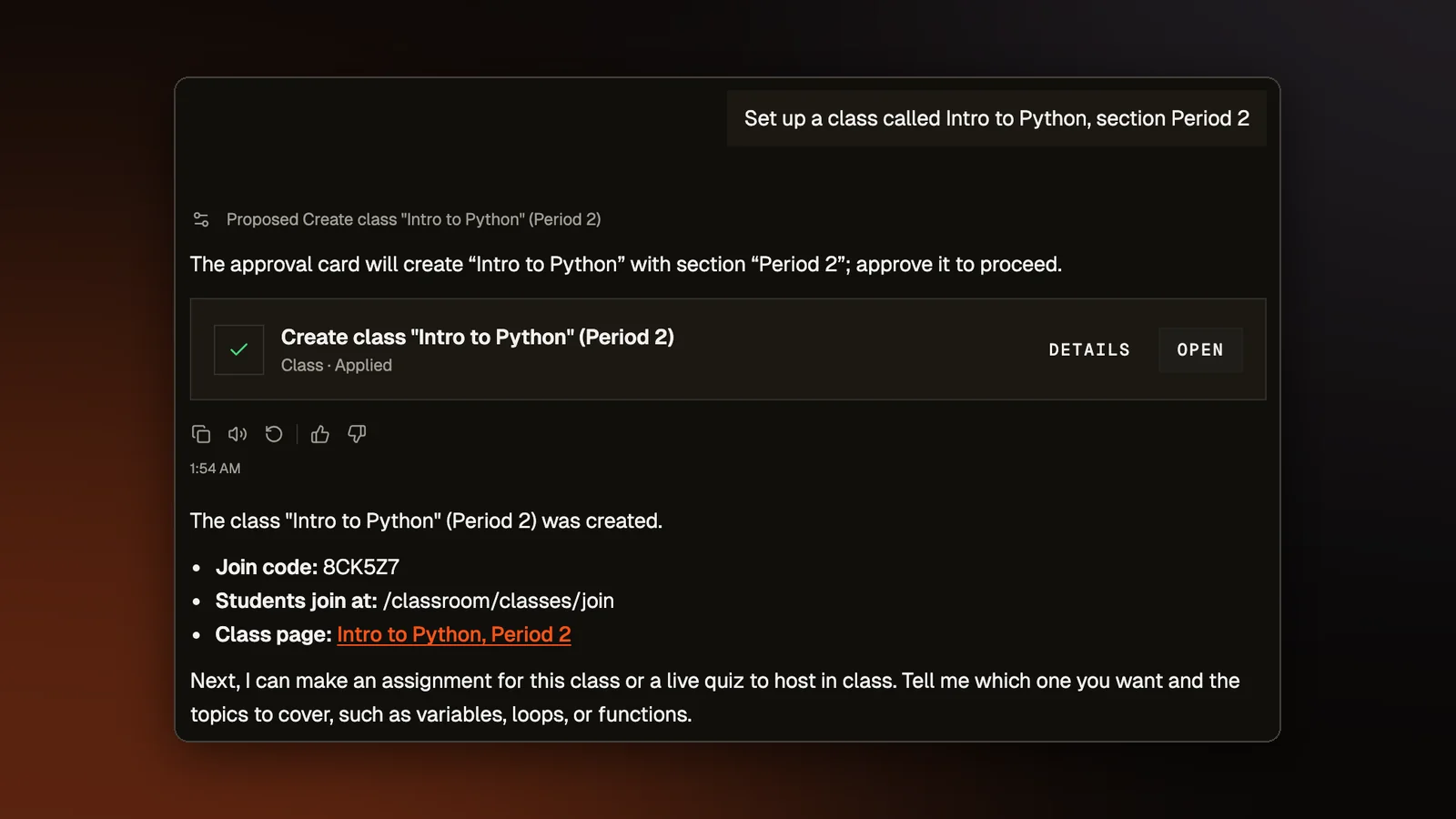
The copilot can now create a class. Ask it to set one up and it proposes a card with the class name and, if you gave one, a section such as "Period 3" or "Fall 2026". Only approving the card creates the class, through the same steps the Classes page uses. The copilot then gives you the join code to pass on, with a link to the new class on the card.
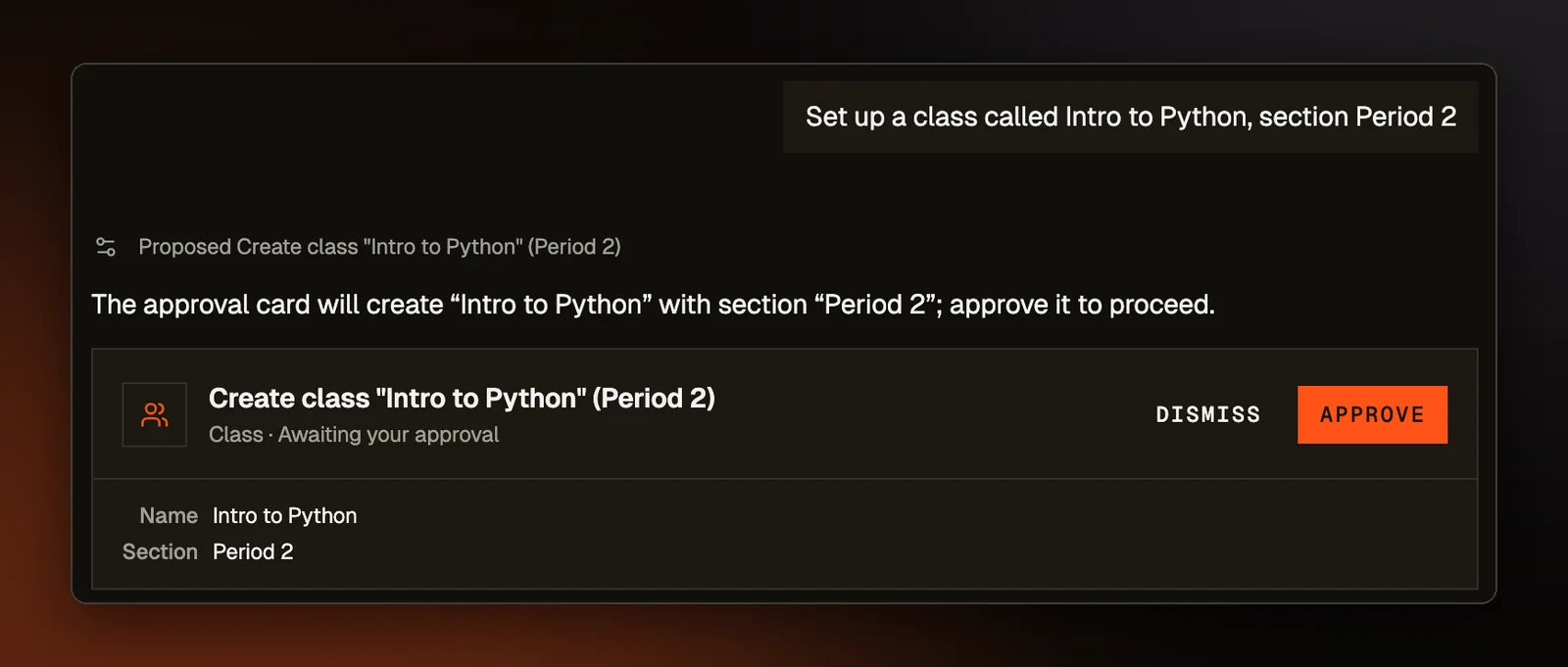
It can also list your classes, with each one's name, section, and number of students who have joined. Ask for a homework assignment on recursion for your CS 101 class and it finds that class among yours, then names it on the approval card. Approving gives everyone on that class's roster access to the assignment, the same as attaching a class when you build one by hand. Students who join the class later are not added to assignments it was already given.
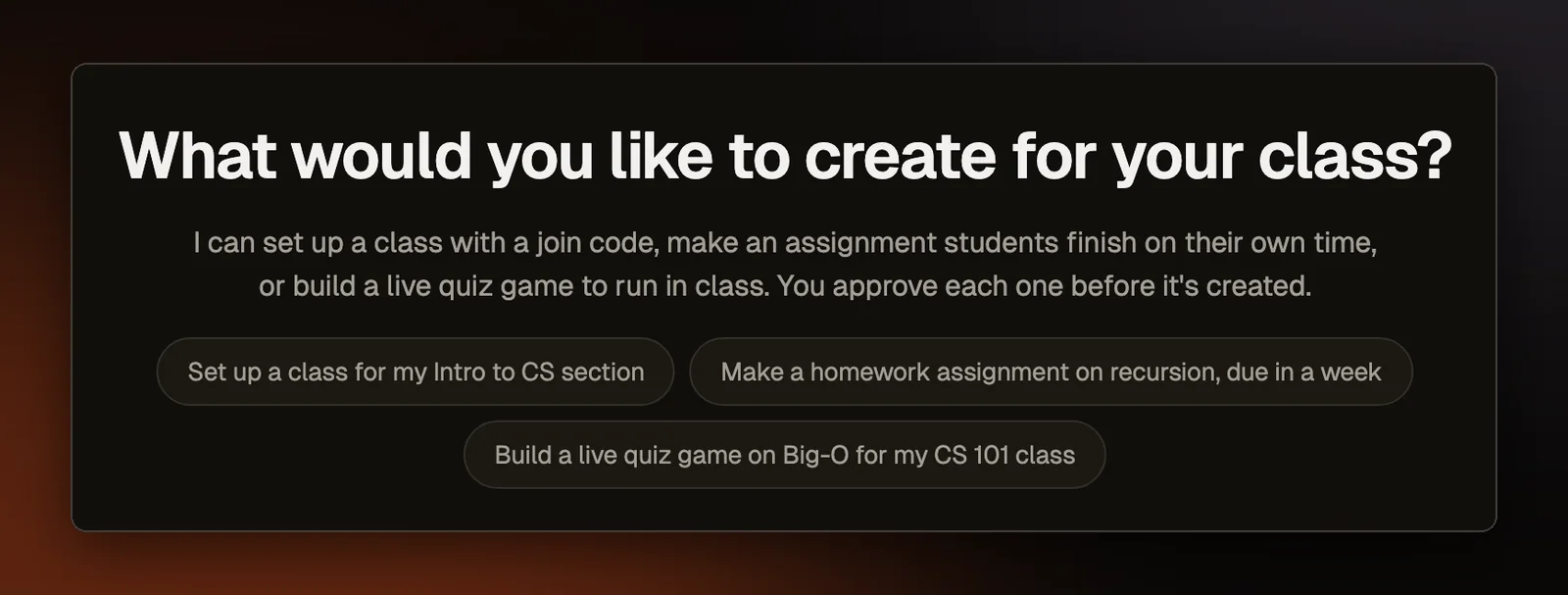
The welcome screen now names the three jobs. Its greeting says the copilot can set up a class with a join code, make an assignment students finish on their own time, or build a live quiz game to run in class, and that you approve each one before it is created. Each of the three suggested prompts under the greeting starts one of those jobs.
When everyone acts at once
A classroom is where two requests most often arrive at the same moment, because a whole class does the same thing together. Many of the bugs we fixed in late September came from that. Two requests read the same saved data, each made its change, and whichever saved last erased the other's change. The fixes below read and save in one step, so the second request sees what the first one did.
A class can no longer go past its student cap when several students join at once near the limit. An assignment's cap holds the same way, and students who join together no longer get the same scoreboard name, such as "Student 12". Likes, replies, and edits on the class stream no longer erase each other when they land together.
When a teacher changes a student's points, a first submission the student saved at the same moment now survives. Before, a submission that passed 8 of 8 tests could go back to 0 of 0 and lose its submission times.
A graded quiz answer is now saved in the same step as its grade, and a whiteboard drawing in the same step as its result. If that step fails, the student gets an error and can try again. Before, a student could see a recorded result while the teacher had no answer or drawing to look at.
Live games
Only the host and the players in a live game can see its players and scores. Someone who has the join code but has not joined yet sees only the join screen. Joining checks who you are, so nobody can add players under invented names or replace a classmate's entry. Students without an account are signed in as guests, so joining works the same for them.
A multiple choice answer sent after the timer ran out no longer scores. In team games, code answers, Parsons answers (putting given lines of code in the right order), builds (small projects students make with AI help), and graded drawings now add to the team's total as well as the player's. Only multiple choice answers moved the team score before, so a team leaderboard was wrong whenever a game had other kinds of questions.
When a host ends a session early, the report now shows "Not shown" for each question nobody reached, with a note that the session ended first. Those questions used to show 0%, with every student marked as skipping them.
Assignments and the class stream
Replies on the class stream, and questions and answers on an assignment, show the poster's name as the class has it on record. Our server looks that name up itself, so a student cannot post as a classmate or as the teacher.
A build keeps its best score, but its late mark used to come from the newest submission. An 80 handed in on time followed by a late 20 kept the 80 and marked it late. The mark now comes from the submission whose score is kept.
Copying a quiz keeps its AI setting. A quiz saved with AI off could come back with hints from Rena, our AI helper, turned on, because the copy left the setting out and the editor filled in the teacher's usual preference.
Students on one campus network no longer block each other's drawings, because the limit on drawing submissions now counts each student account separately. It used to count per network address, so a class sharing one address hit the limit after ten drawings, even with AI grading off.
Older assignments no longer crash the scoreboard. Problems saved before assignments recorded each problem's type now count as coding problems from the library, which is what all of them were.
Coding questions from the problem library bring only their worked examples into a game, and their hidden tests are judged on the server. An edited library question now keeps its link to the library, where saving an edit used to turn it into a custom question graded on its examples alone.